
Tamil Nadu land records
Municipal Property Tax Receipts for Tamil Nadu (சொத்து வரி ரசீது)
A Municipal Property Tax Receipt is a property tax receipt that a Tamil Nadu municipality or corporation issued through TN Urban ePay, delivered as issued for one assessment number. Enter the number printed on the owner’s receipt, sign in, and pick the receipts you want. You pay only once they are ready.
Search the record
Fetching your record
Each receipt is read from TN Urban ePay in turn, so a larger order takes a minute or two.
Keep this tab open while we fetch your record.
What we're fetching
Progress
0:00
Your order
Result
You have not been charged. ₹0.
Not sure of the survey number?
Tap the map or paste a Maps link into the Survey Number Finder. It shows the survey number it has for that point, when it has one.
Find it on the map Survey Number Finder · opens in a new tabChecking is free, and nothing found means nothing charged: you pay only for a complete, readable record.
Why View Patta?
- No record, no charge Not found? Your money stays yours.
- Full refund, guaranteed Automatic if we can’t deliver.
- 180-day access Download it again any time.
- Straight from the government Direct from the source.
Use cases
- Often asked for to show the property tax is paid up when a property is sold
- Often asked for as part of a loan file
- Often asked for with a request to change the name on the tax records
Overview
Municipal Property Tax Receipt overview
A Municipal Property Tax Receipt (சொத்து வரி ரசீது) is a receipt for property tax paid to a Tamil Nadu municipality or corporation, as issued through TN Urban ePay (tnurbanepay.tn.gov.in). It covers every municipality and corporation in Tamil Nadu except Chennai: Greater Chennai Corporation receipts and village panchayat receipts are separate records that this page does not cover. You need one thing, the assessment number printed on the owner’s property tax receipt. The portal works out the municipality from the number, so there is no place to pick. Because the portal lists the owner’s name and address, you sign in before any receipt is shown. You then pick one or more receipts, up to 20 in one order, and a second order covers any more. The price is per receipt, with a ceiling per order, and it is shown before you pay. View Patta delivers one PDF with each receipt exactly as TN Urban ePay issued it, unaltered and in A4 landscape, then a closing page. Dated receipts appear newest first, followed by undated receipts. The receipts print the payer’s name, address and mobile number, because that is how the portal issues them. A tax receipt shows that tax was paid. It does not establish ownership or title.
Record guide
What do the terms mean?
- Assessment number
- The number printed on the owner’s property tax receipt. It is the only thing this record asks for; TN Urban ePay works out the municipality from it.
- TN Urban ePay
- The portal, at tnurbanepay.tn.gov.in, through which these receipts are issued. View Patta reads it when you order and is not affiliated with it.
- Municipality or corporation
- The local body the tax was paid to. Chennai is not covered by this record.
- Receipt
- One payment of the tax, issued by the portal. You pick the receipts you want, and each arrives exactly as issued.
Troubleshooting
Why might the result not appear?
- The number is entered with a letter or a dash. An assessment number is digits and / only, as printed on the receipt.
- The portal has no assessment with that number. Check it against the receipt: no match is not a statement that the property does not exist.
- The property is in Chennai or in a village panchayat. Those receipts are separate records, and this one covers the other municipalities and corporations.
- The portal does not respond. Nothing is charged, so try again later.
- A receipt you picked is no longer listed when the order is placed. Nothing is charged and nothing partial is delivered, so search the assessment again and pick from what it lists now.
- The receipts are expected to show who owns the property. They show that tax was paid, and do not establish ownership or title.
What this record cannot establish
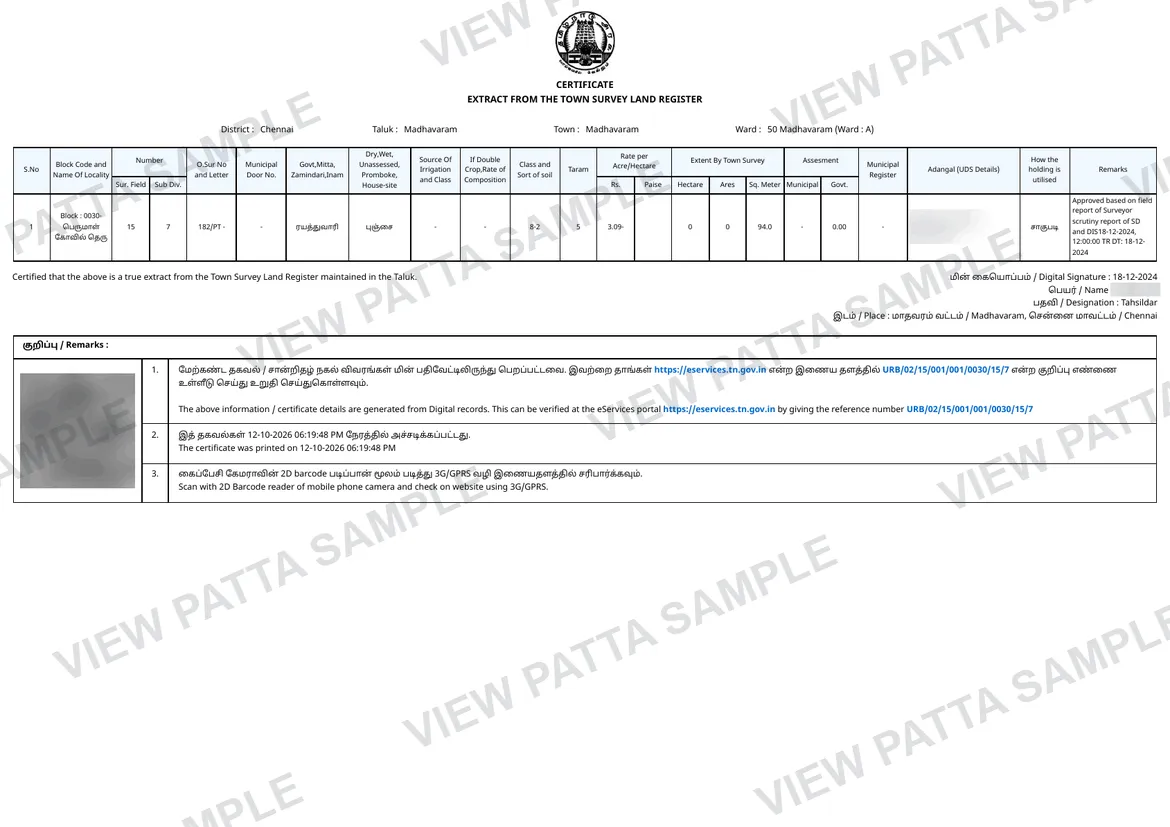
A tax receipt shows that tax was paid on an assessment. It does not establish ownership or title, and the closing page of your PDF says the same. The receipts are TN Urban ePay’s own, as issued, and the portal prints the payer’s name, address and mobile number on them. For the recorded holder of a town property, see the TSLR extract.
Verification checklist
How to use this record
- Find the assessment number printed on the owner’s property tax receipt, enter it, and sign in when asked.
- Check the owner, address and municipality shown against the property you mean before you pick anything.
- Pick the receipts you need, up to 20 in one order, and pay once the price is shown.
- Open the PDF and read each receipt as TN Urban ePay issued it: dated receipts newest first, then undated receipts.
- Treat the receipts as evidence that tax was paid, and nothing more: they do not establish ownership or title.
Search help
What details should you keep ready?
Keep the assessment number from the owner’s property tax receipt ready: digits and / only, up to 20 characters. The portal works out the municipality from it, so there is nothing else to pick. You sign in before any receipt is shown, because the portal lists the owner’s name and address.
Guides
Read before you search
Related tools
Continue checking the property
Questions
Before you start.
Including the two most people ask: whether we are the government, and what happens if the record is not there.
What happens if you cannot find my record?
No receipts, no charge. Your money stays yours.
If TN Urban ePay has no assessment with the number you entered, you are told so and nothing is charged. That is the portal’s answer about the number, not a statement that the property does not exist, so check the number against the owner’s tax receipt.
If the portal does not respond, or a receipt you picked is no longer listed when the order is placed, the order ends, nothing is charged and nothing partial is delivered. You can search again.
Why do I have to sign in before I see the receipts?
The portal lists the owner’s name and address with the receipts, so View Patta asks you to sign in before it shows them. You confirm your mobile number with a one-time password, and the receipts for that assessment are then listed for you to pick.
Does a property tax receipt prove who owns the property?
No. A tax receipt shows that tax was paid on an assessment. It does not establish ownership or title, and the closing page of your PDF says so. The receipts are TN Urban ePay’s own, as issued, and the portal prints the payer’s name, address and mobile number on them.
How many receipts can one order hold?
You pick one or more receipts, up to 20 in one order. A second order covers any more. The price is per receipt, with a ceiling per order, and it is shown before you pay.
Does this cover Chennai and village panchayats?
It covers every Tamil Nadu municipality and corporation except Chennai. Greater Chennai Corporation receipts and village panchayat receipts are separate records, which this one does not cover.
Is View Patta a government website?
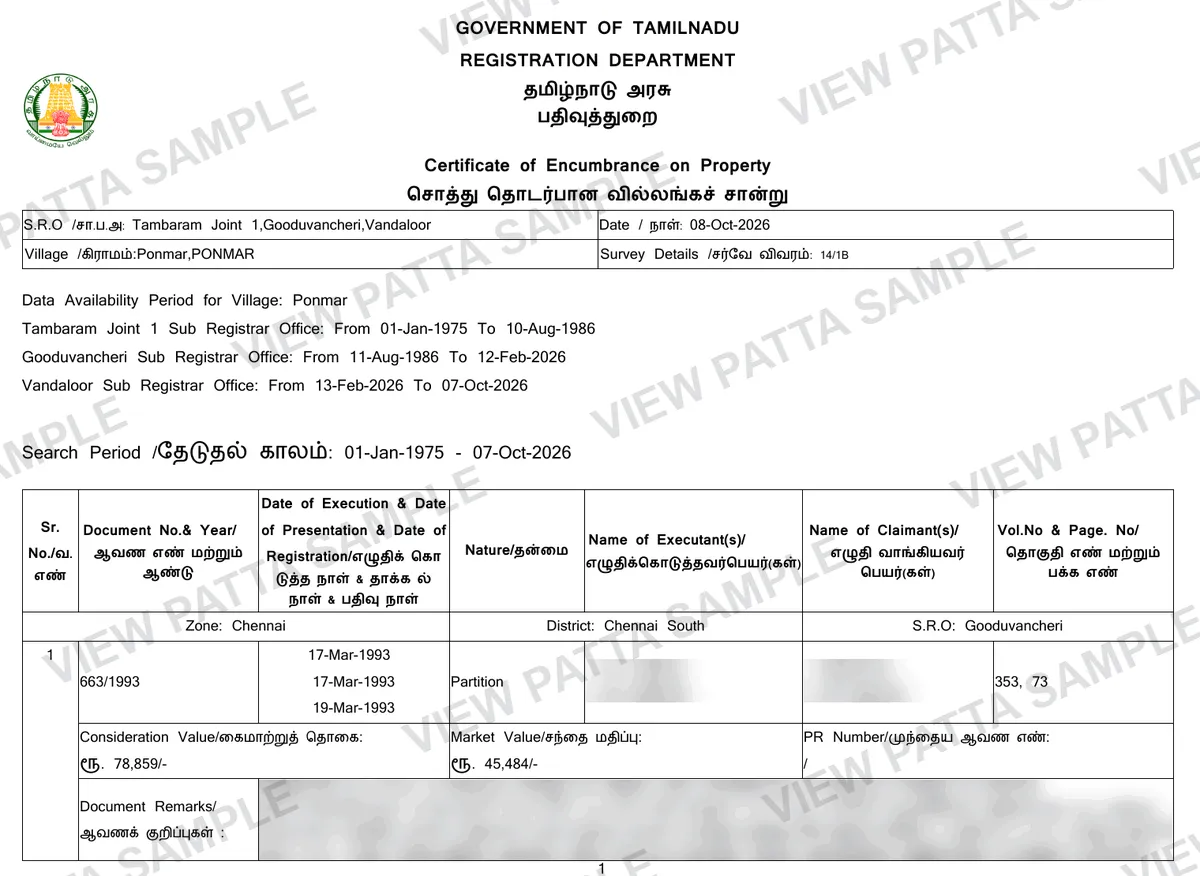
No. View Patta is a private service operated by Quiro Tech Solutions, Chennai. We are not affiliated with any government body. Revenue-record services are available through Tamil Nadu e-Services; Encumbrance Certificates are registration records available through TNREGINET. View Patta provides separate assistance with finding and requesting these records.